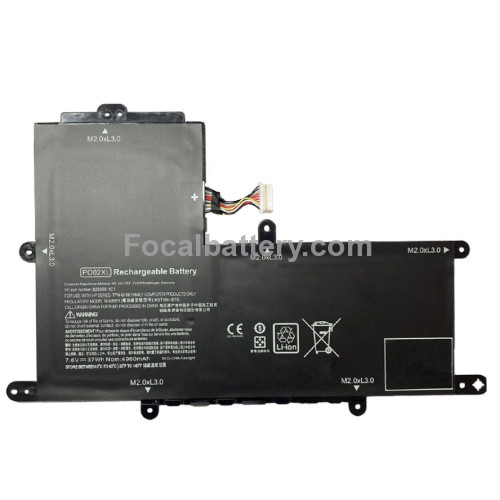
Battery for HP Pavilion x360 11m-ap0013dx


- Product Code: 11m-ap0013dx
- Availability: In Stock

-500x500_0.jpg "135W Power AC Adapter for Laptop Lenovo Y50-70 Y50-80 Y70-70 Y70-80 Notebook Battery Charger")

-500x500_0.jpg "135W Power AC Adapter for Laptop Lenovo ThinkPad P1 Type 20MD 20ME Notebook Battery Charger")
-500x500_0.jpg "135W Power AC Adapter for Laptop Lenovo IdeaPad 700-15ISK 700-17ISK Notebook Battery Charger")
-500x500_0.jpg "12V 3A 36W Power AC Adapter for Laptop Lenovo ThinkPad Helix 2nd Gen 20 Notebook Battery Charger")


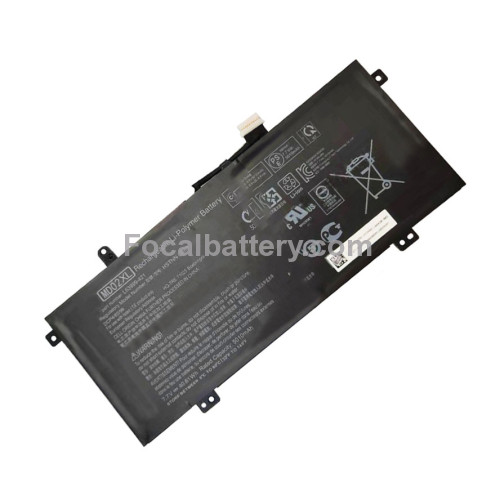
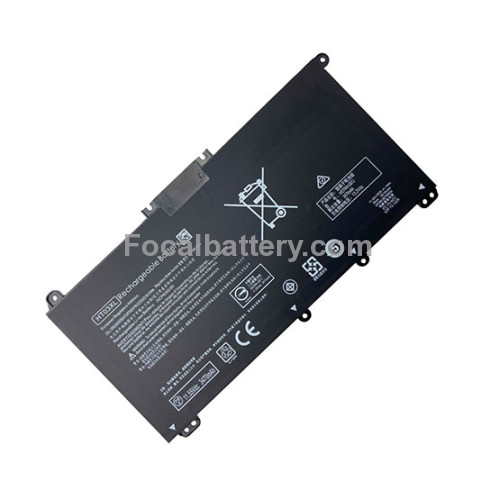
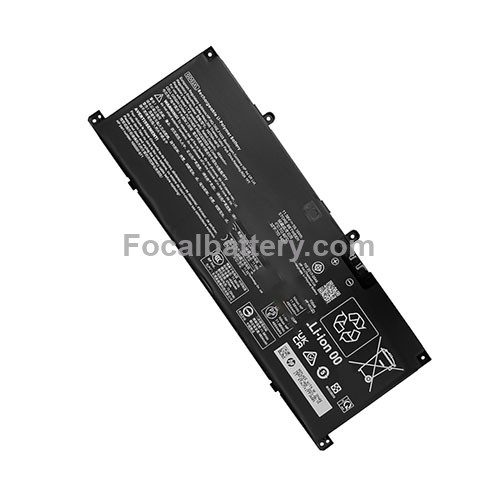
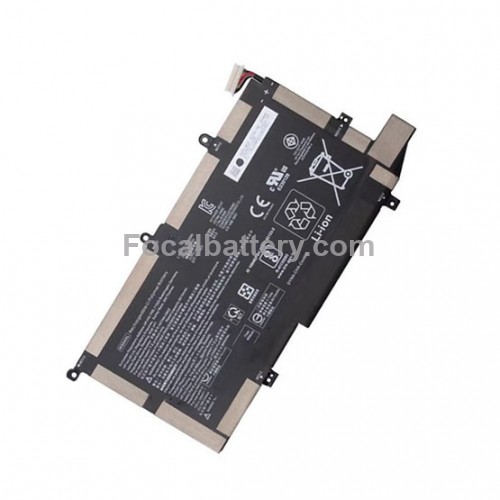



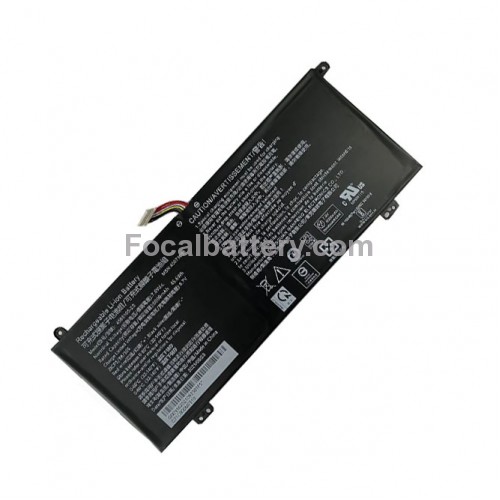


New Laptop Battery for HP Pavilion x360 11m-ap0013dx PO02XL Notebook PC in United States
Voltage:7.6V 2-cell
Capacity:37Wh/4810mAh
Color:Black
Chemistry: Li-Polymer
Warranty period: 1 year
Battery code: PO02XL
• Warm Reminder: Please check both model and battery part number are matched with your device before purchasing for best fit (you can find related information in product description).
• This product is backed by a 12-month warranty.We offer a worry-free after-sales service.
➤Notice Before Purchase
- Be carefully check the model number of your device and the part number of your original Battery to see if this Battery is compatible with your device.
- A new battery will achieve its best performance after 2 or 3 complete cycles of charge & discharge.
- When you install it, be sure the connector has been properly connected to your device.
- Do not use low quality third-party adapter charger to charge your device, that will shorten the battery's life.
➤Contact us
If you have any questions or any issues when using our product, please send us a message, we will reply you as soon as possible.
How to Maximize Your Laptop Battery Life: Essential Tips for Longevity
Laptop batteries are like the heart of your portable computer—they keep everything running when youre away from a power socket. However, all batteries degrade over time. The good news is that with the right habits, you can significantly slow down this aging process and keep your laptop running longer on a single charge.
Here are some essential tips to help you get the most out of your laptop battery.
#### 1. Avoid Full Discharges (Ditch the "Memory Effect" Myth)
In the past, older nickel-based batteries suffered from a "memory effect," requiring a full discharge to maintain capacity. Modern laptops use **Lithium-ion (Li-ion)** or **Lithium-polymer (LiPo)** batteries, which operate differently.
- **The Tip:** You do not need to regularly drain your battery to 0%. In fact, deep discharges can put a strain on the battery.
- **The Sweet Spot:** Try to keep your battery level between **20% and 80%**. Frequent shallow discharges are much healthier for lithium-based batteries than full cycles.
#### 2. Manage Heat: The #1 Enemy of Battery Health
Heat is the single biggest factor that degrades a lithium-ion battery. Leaving your laptop in a hot car, using it on a soft surface like a bed or pillow (which blocks vents), or consistently running heavy applications while plugged in can cook the battery from the inside.
- **The Tip:** Always use your laptop on a hard, flat surface to ensure proper airflow.
- **Pro Tip:** If you use a powerful laptop for gaming or video editing, consider removing the battery (if it is removable) while plugged in at your desk, or use software to limit the charge to 60-80% to reduce heat stress.
#### 3. The 50% Rule for Long-Term Storage
If you plan to store your laptop for an extended period (a month or more), the preparation is crucial.
- **The Tip:** Do not store it fully charged, and do not store it completely dead.
- **The Sweet Spot:** Charge or discharge your laptop to about **50%** and then power it off. A 50% charge provides the least amount of stress on the battery during inactivity. Also, store it in a cool, dry place.
#### 4. Partial Charging is Perfectly Fine
Many people worry that plugging in their laptop before it hits 0% will somehow "confuse" the battery or use up a charge cycle unnecessarily.
- **The Tip:** Plug it in whenever you can. Modern batteries are smart. A "charge cycle" means using 100% of the battery's capacity, but not necessarily all at once. If you use 50% today, recharge it to 100%, and then use 50% again tomorrow, that counts as only one full cycle.
- **The Conclusion:** Dont wait for the low battery warning. If you have access to a plug, use it.
#### 5. Adjust Your Settings for Immediate Gains
To extend the time between charges right now, tweak your operating systems power settings.
- **Reduce Screen Brightness:** The display is one of the biggest power drains. Lower it to the minimum comfortable level.
- **Enable Battery Saver Mode:** Windows and macOS have built-in power-saving modes that automatically reduce background activity and performance to save energy.
- **Disconnect Peripherals:** Unplug any USB devices (mice, external drives) or SD cards when youre not using them, as they draw power from the laptop.
#### 6. Keep Your Software Updated
It might seem unrelated, but software updates often include power management improvements.
- **The Tip:** Ensure your operating system and drivers (especially chipset and power management drivers) are up to date. Manufacturers frequently release optimizations that help your battery run more efficiently.
### Summary Checklist for a Healthy Laptop Battery:
- ✅ **Keep it cool.** (Ventilation is key!)
- ✅ **Stay between 20% and 80%.** (Avoid the extremes.)
- ✅ **Charge 50% for long-term storage.** (Turn it off and store it cool.)
- ✅ **Tweak settings.** (Lower brightness, enable battery saver.)
By following these simple guidelines, you can maintain your laptops battery health, ensuring that your device remains portable and reliable for years to come.
Tags: Battery for HP Pavilion x360 11m-ap0013dx, 11m-ap0013dx, USA Batteries